Speedway CrewHQ
Operate people, field work, fleets and telemetry from one command platform.
Speedway CrewHQ is the Business Operations Command Platform in the Speedway ecosystem. It gives managers one operational workspace for workforce and rostering, field-service jobs, dispatch, vehicles and mobile teams, connected assets, telemetry, readiness, authority decisions and operational handoffs. Central configures the business, CrewHQ commands the operation, and Speedway Crew executes the work.
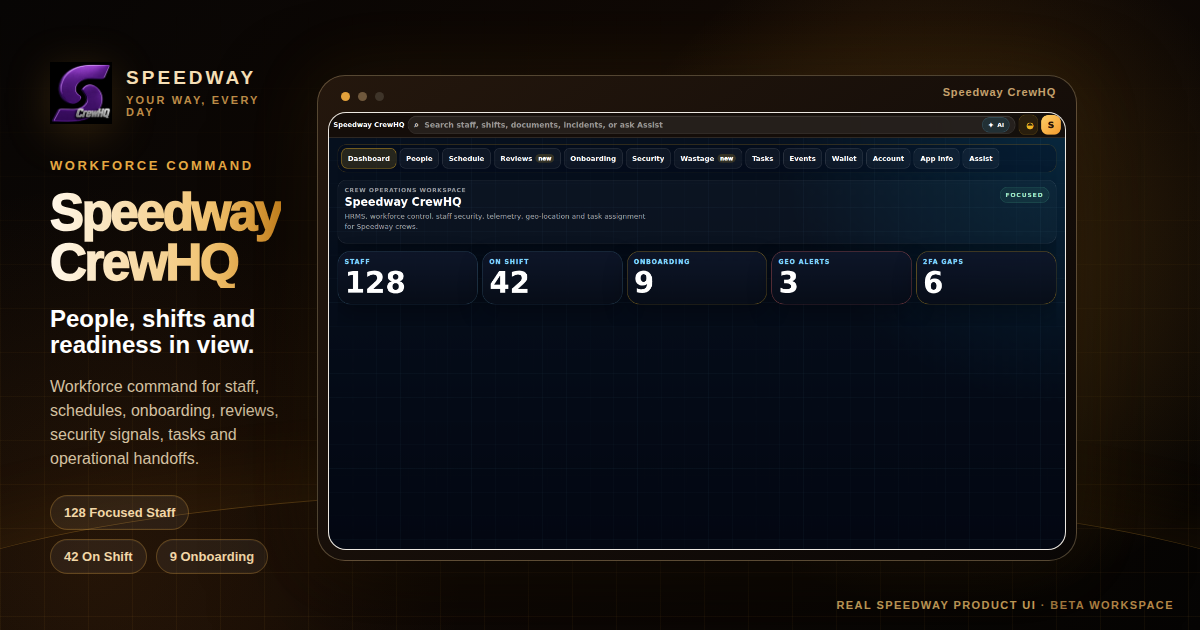
Business operations command
Run the operation, not just the employee file.
Workforce administration is one CrewHQ capability family. The wider platform coordinates the people, jobs, vehicles, assets, signals and operational decisions required to keep a business moving.
Add staff, managers, field technicians, drivers, contractors or administrators under the authorised merchant and operating scope, then let each worker complete identity onboarding in Speedway Crew.
Create, change or cancel shifts with canonical worker and venue selection, revision awareness, coverage context and overlap protection.
Coordinate external technicians, mobile jobs, assignments, service evidence and operational handoffs without separating field work from the rest of the business.
Connect fleet and vehicle context, mobile assets, geo signals and telemetry to the teams, jobs and locations that are responsible for them.
Review qualification, completion or shift-closeout submissions, inspect evidence context and choose approve, request changes or reject through a controlled decision flow.
Surface workforce security posture, two-factor gaps, biometrics, location or geo-risk context where the authorised operation uses those controls.
Keep connected equipment, mobile operating context and responsible people visible together so asset activity can be understood as part of the live operation.
Consume ready events from connected Speedway workflows and move work to the right team, technician, driver or manager instead of relying on disconnected verbal handoff.
People are one operating dimension
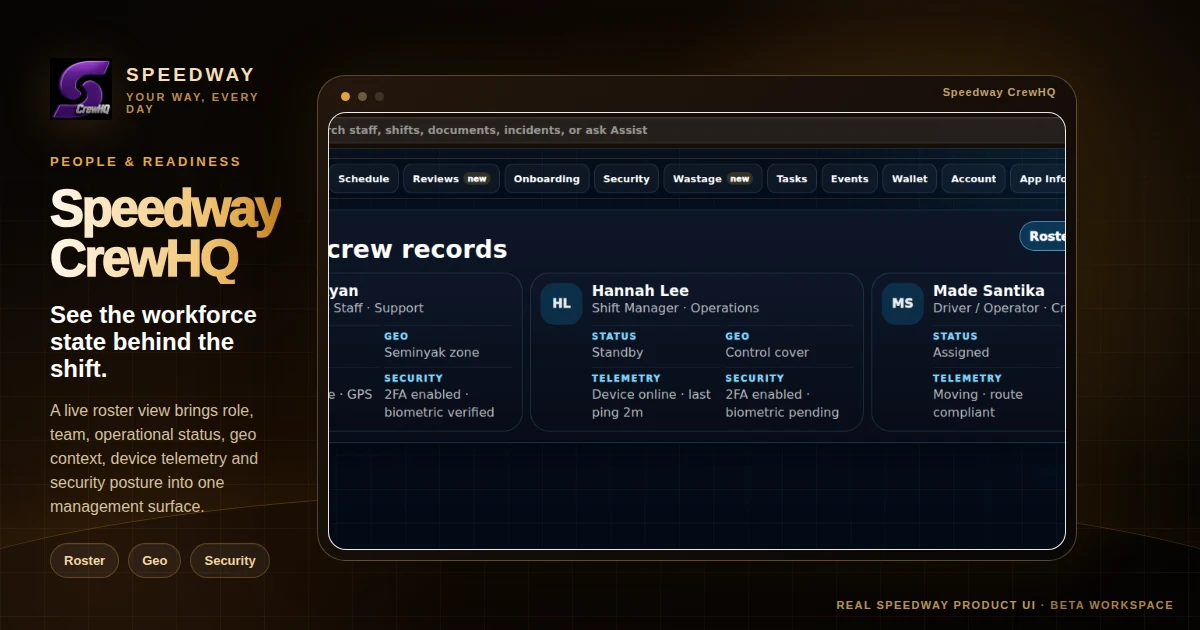
See who is working, where they are and how ready they are — then connect that context to the work.
The CrewHQ people view combines role, team, shift state, geo context, device telemetry and security posture. Those workforce signals can then support dispatch, fleet, field-service and wider operational decisions rather than living in an isolated HR screen.
One Speedway operating model
Configure in Central. Command in CrewHQ. Execute in Crew.
Each Speedway surface has a distinct operational job so merchants do not need duplicate administration, duplicate workforce records or disconnected field tools.
Configure the business, catalogue, integrations, commercial settings and merchant administration that define how the organisation operates.
Run live business operations across workforce, rostering, field service, dispatch, fleets, assets, telemetry, readiness and manager decisions.
Workers receive the mobile execution experience for their shifts, jobs, routes, tasks and evidence. Crew is free to workers; the merchant governs workforce capacity through CrewHQ.
Controlled changes
Clear authority before operational state changes.
CrewHQ uses focused review and confirmation steps for high-impact actions across workforce and operating workflows.
Managers choose an authorised merchant and canonical worker, job, vehicle, asset, shift or venue record before committing a change.
Operational flows separate selection, details and confirmation so the final action is understandable, scoped and auditable.
People, jobs, assets and events remain connected to Speedway operating context so the next action can be coordinated without creating a separate shadow system.
CrewHQ + Crew